Building a Claude-Powered Internal Tool in a Weekend

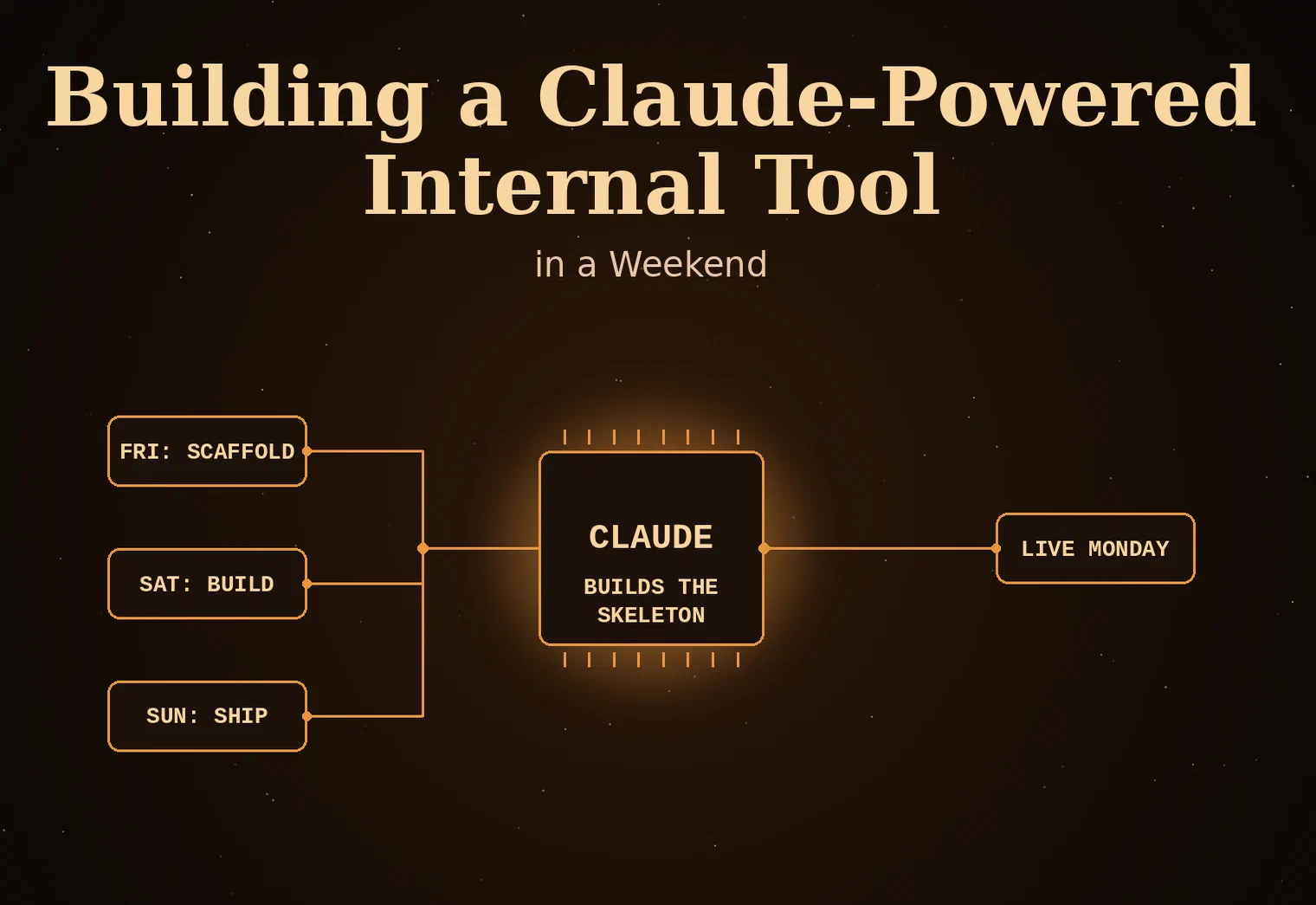
Every small shop has a spreadsheet or a shared doc holding something together that everyone quietly agrees is fragile. Client statuses tracked in a Google Sheet three people edit by hand. A intake process that lives in someone’s inbox. A pricing calculator that’s really just a napkin math formula copied between emails. These aren’t failures of discipline, they’re just the natural result of not having the time to build a real tool for a problem that only costs you twenty minutes a week. The part that’s changed is what “building a real tool” costs now. With Claude doing the heavy lifting on code, a focused weekend is genuinely enough to go from napkin process to a working internal tool your team opens on Monday instead of hunting for the spreadsheet.
Pick a Problem That’s Actually Small
The instinct is to solve the biggest annoyance you have, which is usually a mistake for a weekend build. The projects that actually ship are narrow: one workflow, one data model, one or two screens. Client intake tracking. A tool that turns a signed SOW into a task checklist. An internal dashboard that pulls project status from three sources into one view. If you can’t describe what the tool does in one sentence without an “and,” it’s not a weekend project, it’s a quarter project wearing a weekend costume.
The other filter worth applying: pick something you’ll actually use starting Monday, not something that would be nice to have eventually. Tools built for hypothetical future need get abandoned before they’re finished. Tools built to fix the thing that annoyed you last Tuesday get used because the annoyance is still fresh and the relief is immediate.
Let Claude Own the Scaffolding, You Own the Judgment
The place AI earns a weekend timeline isn’t creativity, it’s speed on the parts that used to eat the first several hours: setting up the project, wiring a database, building CRUD screens, writing the boilerplate around auth and forms. Describe the data model and the screens you need, and you get a working skeleton in the time it used to take to configure the tooling. That buys back the hours you’d normally spend on setup and hands them to the parts that actually need a human: does this field make sense for how your team actually works, is this the right shape for the data, would a client ever see this and get confused.
Treat it like pairing with a very fast, very literal junior developer. It will build exactly what you ask for, including the version of “exactly” that misses context you didn’t think to state. Review every screen against how the work actually happens day to day, not against whether the code compiles. The fastest weekends are the ones where you stay the architect and let the tool stay the builder, rather than trying to review every line of generated code like it’s a pull request from a stranger.
Ship the Ugly Version First
The tool that gets abandoned in the second hour is the one where you tried to make it polished before it was functional. Skip the styling, skip the edge cases, skip the “what if two people edit this at once” question until you’ve confirmed the basic loop works: data goes in, data comes back out correctly, the one workflow you care about completes end to end. A genuinely ugly tool that does the one thing you need beats a half-finished elegant one every time, because the ugly one is the one you’ll actually open Monday morning.
Once the core loop works, you’ll know within an hour of real use which rough edges actually matter and which ones you were imagining. That’s the point to spend your remaining weekend hours on: the friction you actually hit, not the friction you anticipated. Most of what felt essential at the whiteboard turns out to be invisible once the tool is solving the real problem.
Deploy It Somewhere You’ll Actually Open It
A tool that only runs on your laptop when you remember to start it is a tool that dies within two weeks. Put it somewhere with a URL: a small cloud instance, an internal Azure app, whatever your team already has access to without a password you’ll forget. The deployment step is boring and it’s also the difference between a project and a habit. Budget an hour of the weekend for it specifically, because it’s the part people skip when they’re tired on Sunday night, and it’s the part that decides whether Monday you actually uses this thing.
If this sounds like the kind of project you’ve been meaning to build for months but never found the runway for, that gap between “would be useful” and “actually built” is exactly where FMLY Consulting spends most of its time with small businesses and solo shops.